HCD Bus Interaction Simulator
Note that it'll take around ~1 min to load for the first time! Please be patient 🙏
A bus stop simulator game for our HASS HCD project! 🚌
It contains 3 different solutions tackling the issue of commuters missing their bus! Help give us feedback on them and pick your favourite one!
How to Play:
- Remember to play with Sound On 🔊 and click the Fullscreen 🖥️ button at the bottom right!
- Choose a solution from the main menu, and play
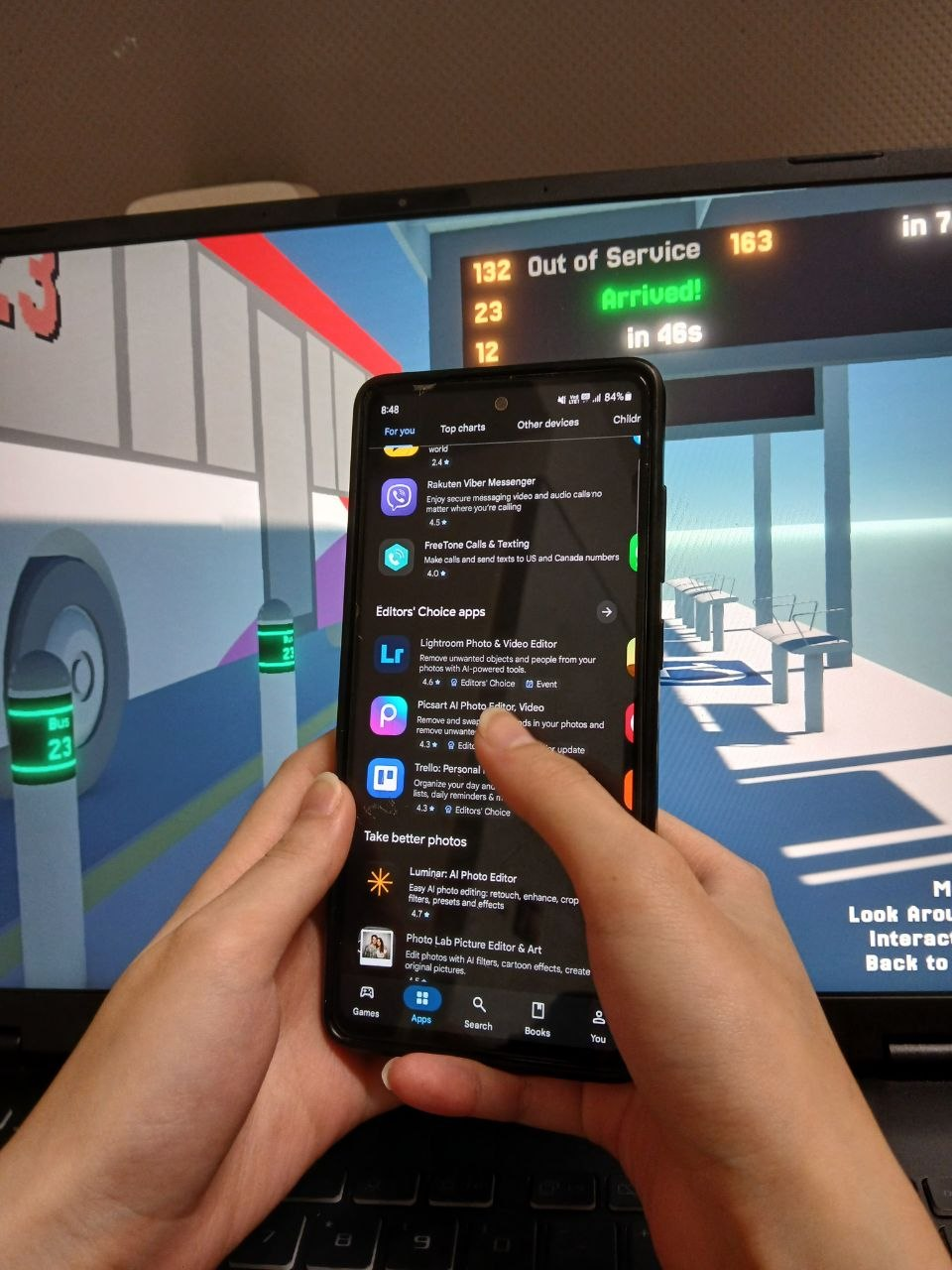
- While waiting for your bus, hold out your phone 🤳in front of your monitor to simulate you waiting (and doomscrolling, like the photo to the right! 👉)
- When you think your bus is coming (either through hearing it or any of the signifiers), put away your phone and move towards the front door!
- Board through the door for your correct bus! 🚌
- After you're done, head back to the menu and try out a different solution!
Remember to fill in our survey here!
Controls:
- Movement: WASD
- Jump: Space
- Run: Shift
- Look Around: Mouse Move
- Interact (while your crosshair is hovering over something): Left Click
- Back to Menu: Esc
Solutions:
1. Multi-functional Safety Pole
Repurposed poles at the front of the bus stop containing a rotating LED display and a speaker.
In idle mode, it'll showcase cute graphics (or advertisements like in SMRT) and play soothing waiting music.
When a bus arrives, it'll swap its display to the bus number and speaker says the arriving bus number.
2. Haptic Button Caller
Multiple panels spread out around the bus stop containing buttons for every bus number at that stop. When pressed, it lights up, and internally "flags down" the bus number when the bus is near, allowing bus captains to know they should stop.
When the bus arrives, if the bus was flagged down by the button, the podium would sound out the arriving bus number with a chime. Other buses that aren't pressed would be ignored.
3. LED Panels
Number pads on the ground representing each bus number. Commuters can stand on the number pads and the pad would register intent to board (also flags down the bus).
When the bus arrives, if someone is standing on it, the pad will light up and also vibrate slightly to notify the commuter if they are distracted.
Misc.
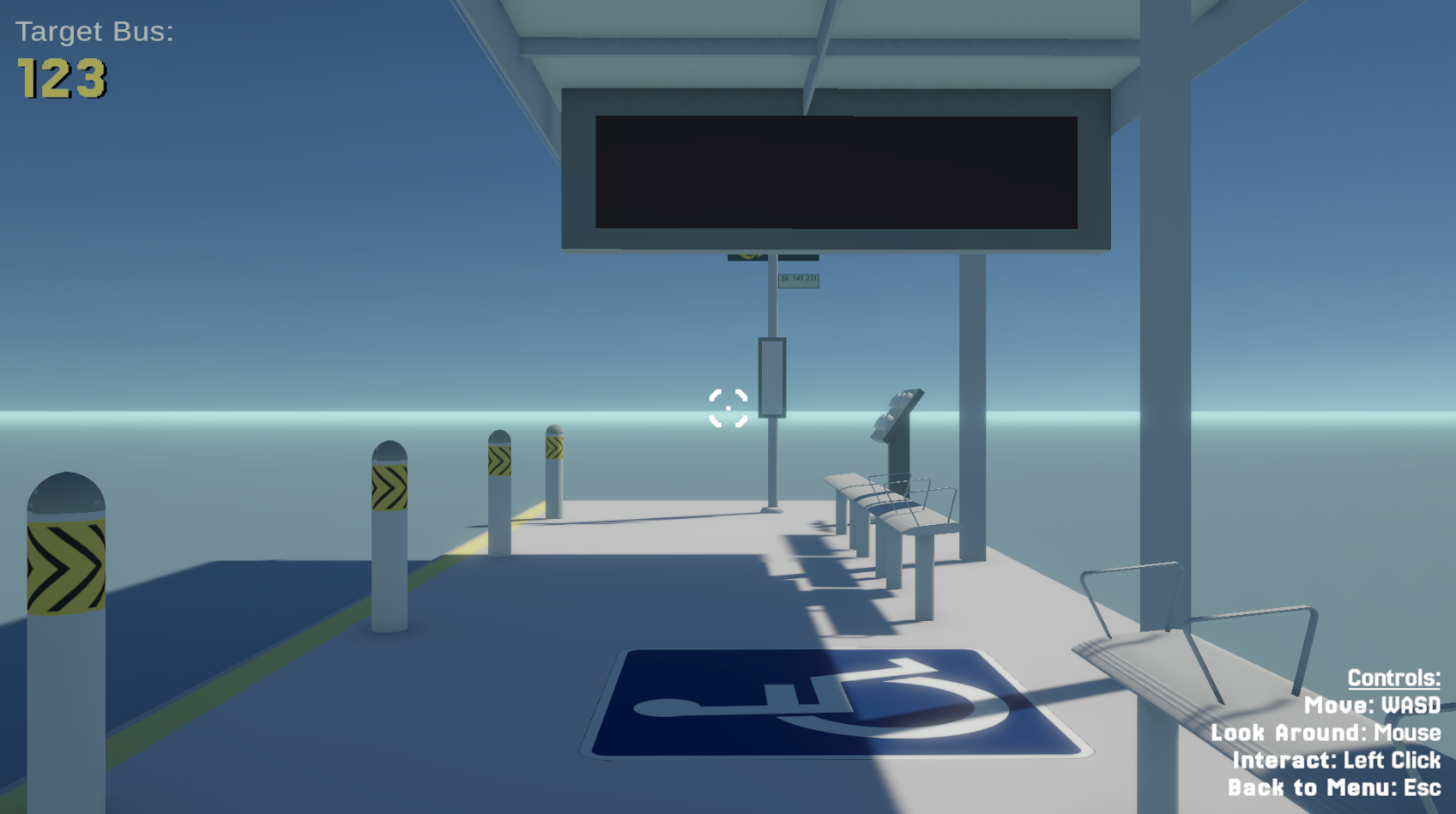
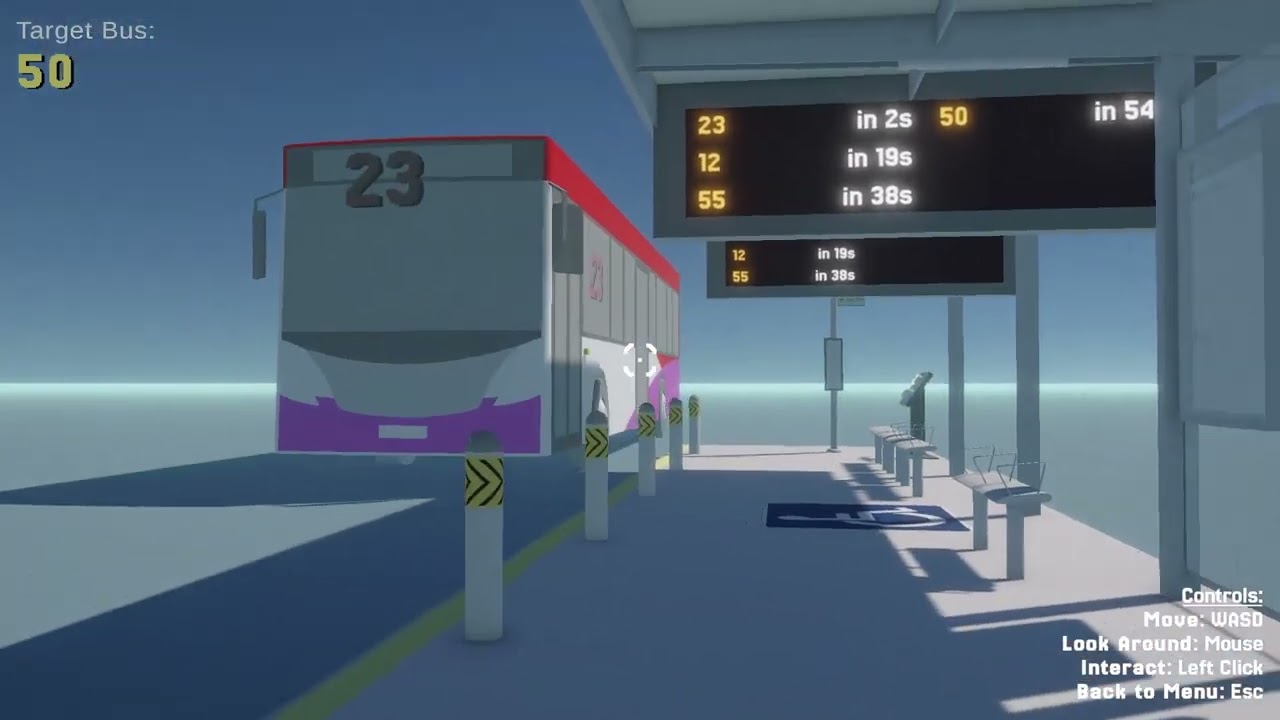
On top of these, you may also notice the new overhead PIDs and the dedicated wheelchair space. Let us know what you think of them in the survey!
Final Solution
- Integrates both Multi-functional Safety Pole and Haptic Button Caller
- This means that the Pole will still display all bus numbers that arrive, but will only sound out for bus numbers that have been flagged!
- Shorter 3rd Haptic Panel next to the care spot for ease of access
- Button now turns Green instead of immediately turning off when bus arrives
- Indexical sign on top of panel to prevent confusion
Thanks for trying out our simulation! 🫶🫶
Leave a comment
Log in with itch.io to leave a comment.